DIGITAL ASSETS
Professional-grade tools, textures, and tutorials designed for high-end cinematic production. Curated by VFX Supervisors for the modern compositor.

Stop re-rendering because you got the settings wrong. Render Pilot is a ScriptUI panel for After Effects that lets you select your comp, check the platforms you need, and queue everything with the correct specs — in a single click. THE PROBLEM: You finish a comp. Now you need it for YouTube, Instagram Reels, TikTok, LinkedIn, and Twitter. That's 5 different resolutions, aspect ratios, and constraints. You manually set up each render, get a setting wrong, re-render, and lose an hour. Every. Single. Time. WHAT RENDER PILOT DOES: • Select your comp → check platforms → one click → all formats queued • Pre-flight validator catches problems BEFORE you waste render time • Auto-creates resized comps (portrait/square from landscape) with proper scaling • Smart file naming: HeroVideo_tiktok_2026-02-20.mp4 • Generates a Delivery Report text file for client handoff • Knows max duration, max file size, resolution, and codec per platform • 8 platforms built-in: YouTube, Instagram Reels, Instagram Feed, TikTok, X/Twitter, LinkedIn, Facebook Feed, Facebook Reels • Custom platform option for your own specs PRE-FLIGHT CHECKS: • Duration too long for TikTok? Warns you before rendering • File will exceed Twitter's 512MB limit? Caught instantly • Comp is landscape but platform needs portrait? Auto-resize handles it • Wrong frame rate? Flagged and adjusted WHO IS THIS FOR: • Content creators posting to multiple social platforms • Freelance editors delivering to clients who need every format • Motion designers who render the same project 5+ times per day • Social media managers who need consistent, correct specs • Anyone tired of Googling "TikTok video specs 2025" WHAT YOU GET: • RenderPilot.jsx — single file, installs in seconds • README with installation instructions • Works on Windows & macOS • Compatible with After Effects CC 2020 – 2025+ • No subscriptions. No internet required. Buy once, use forever. INSTALLATION: 1. Copy RenderPilot.jsx to your ScriptUI Panels folder 2. Restart After Effects 3. Open from Window → RenderPilot.jsx 4. Select platforms, hit Queue & Render. Done.
Add to Cart
Faceless YouTube Channel Automation Kit — Full n8n Workflow System
Automation Templates
ScrollSnap Pro — Full-Page Screenshot Capture Extension
Browser Extensions
$19Buy Now
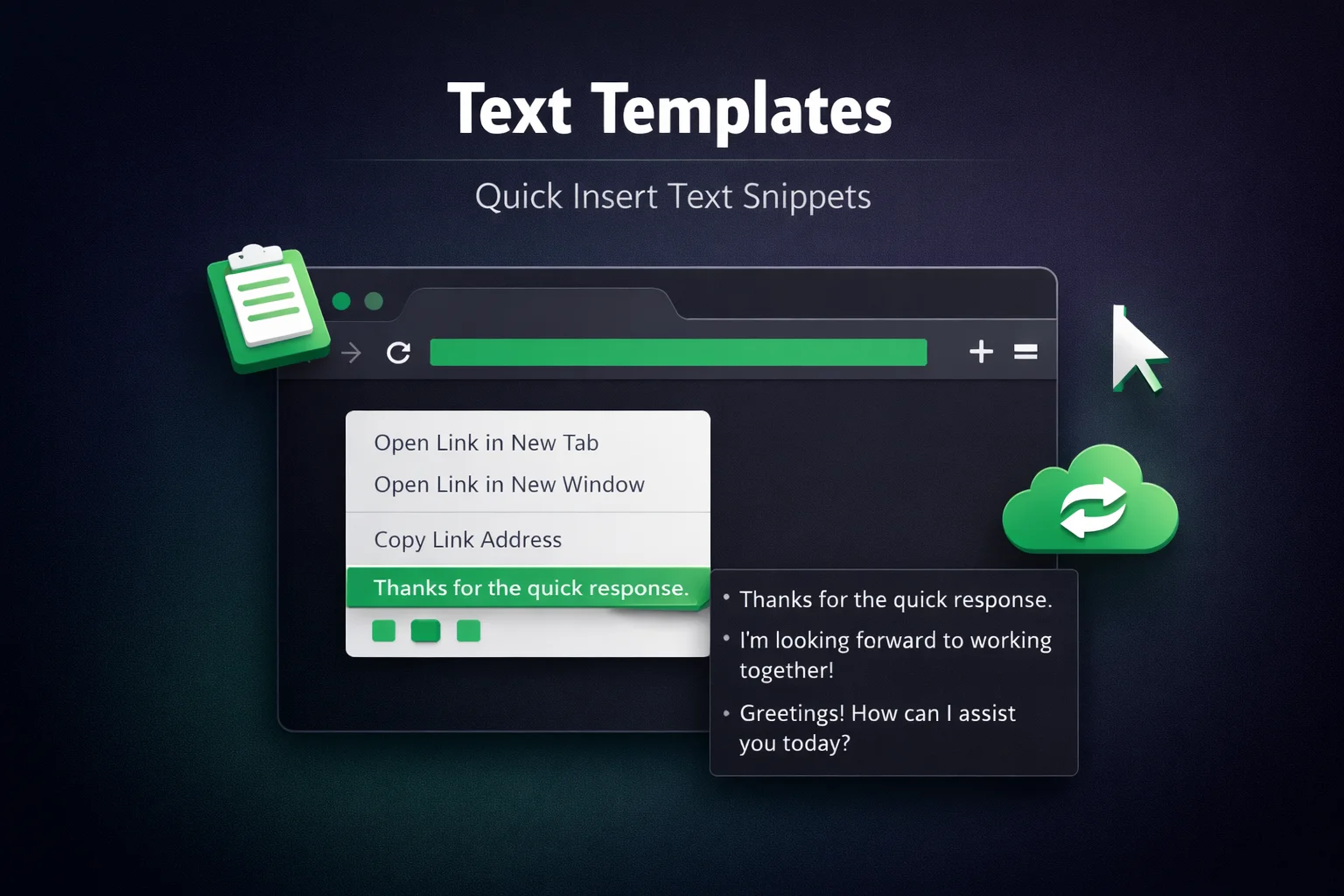
Text Templates - Quick Insert Browser Extension
Browser Extensions
$5Buy Now
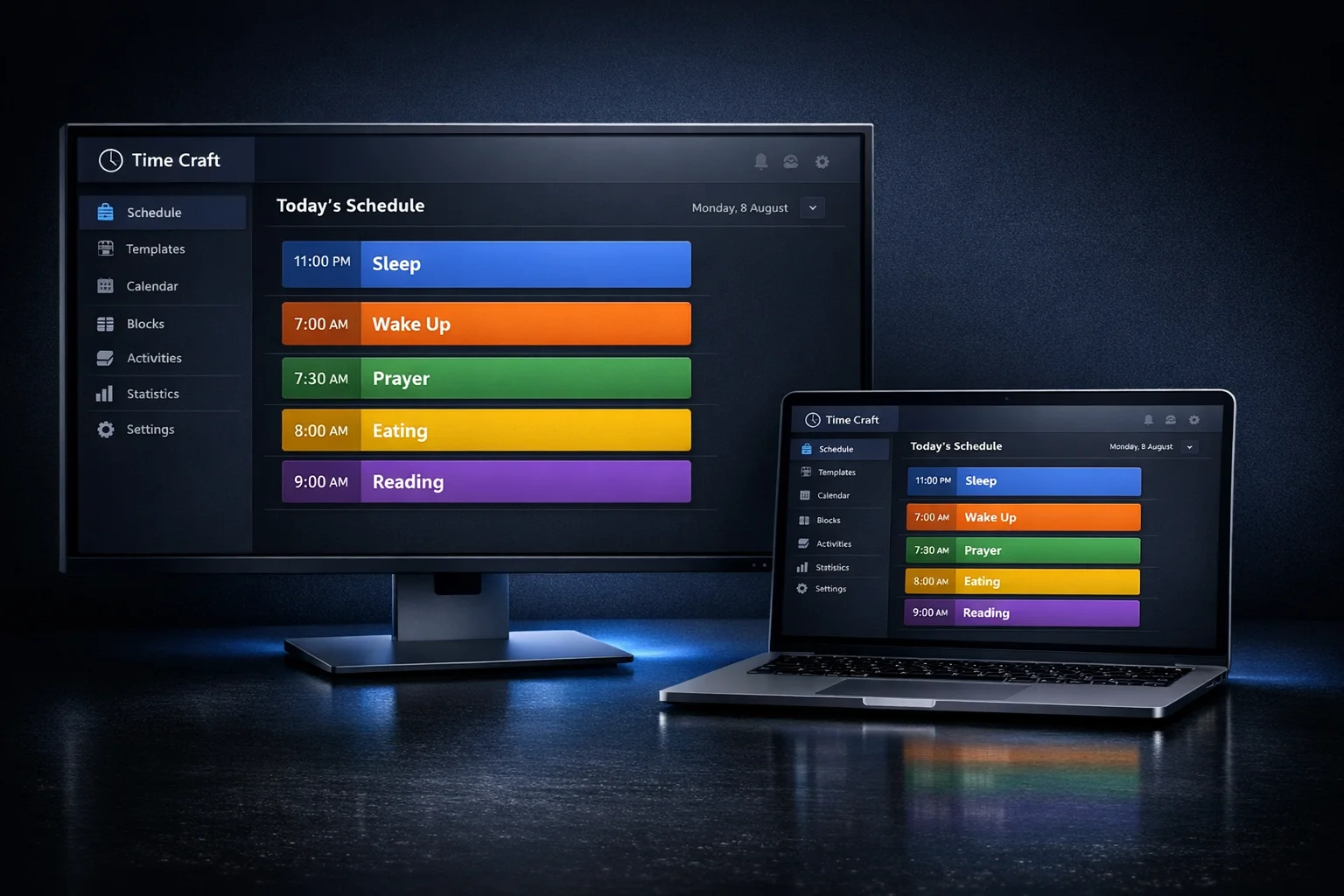
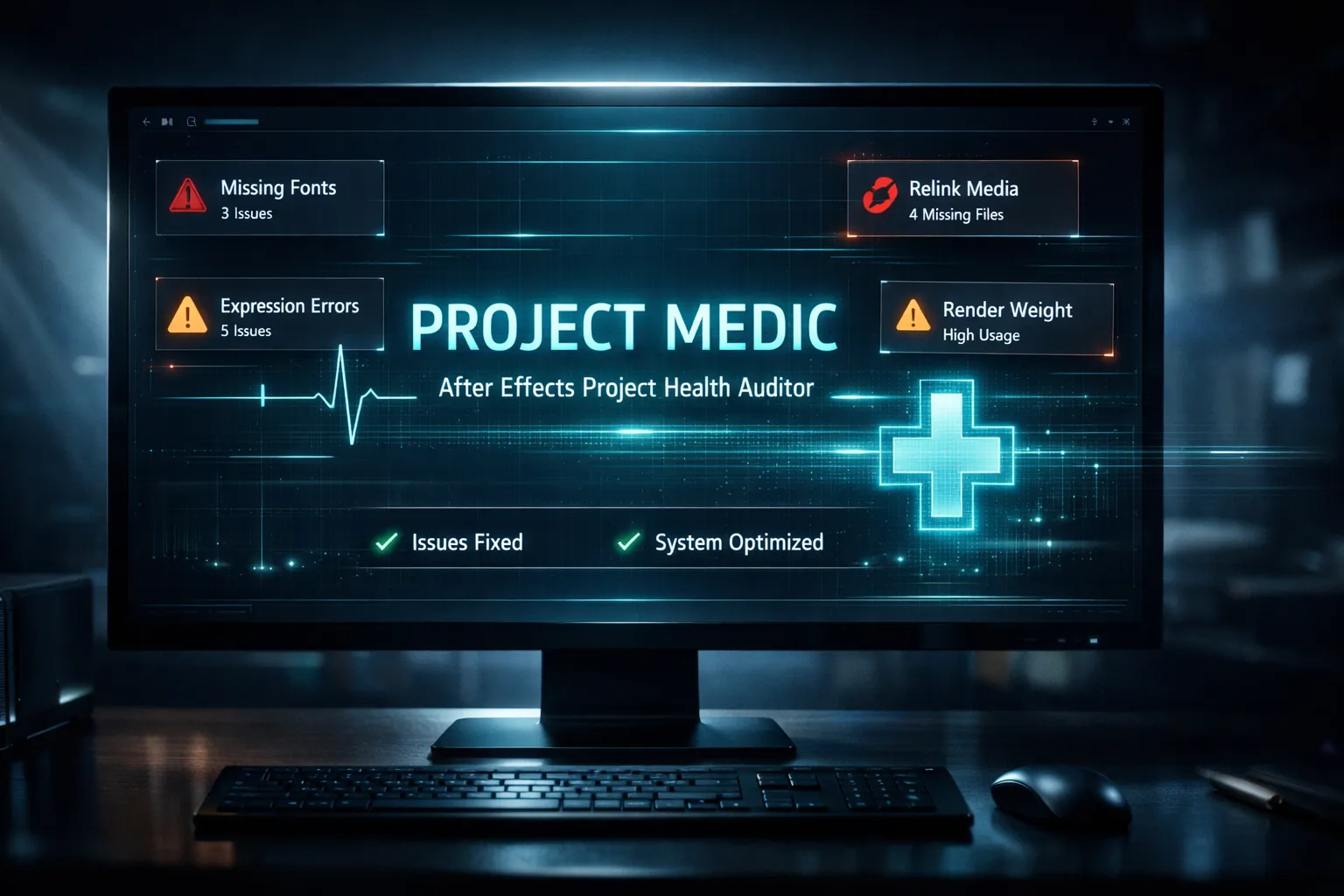
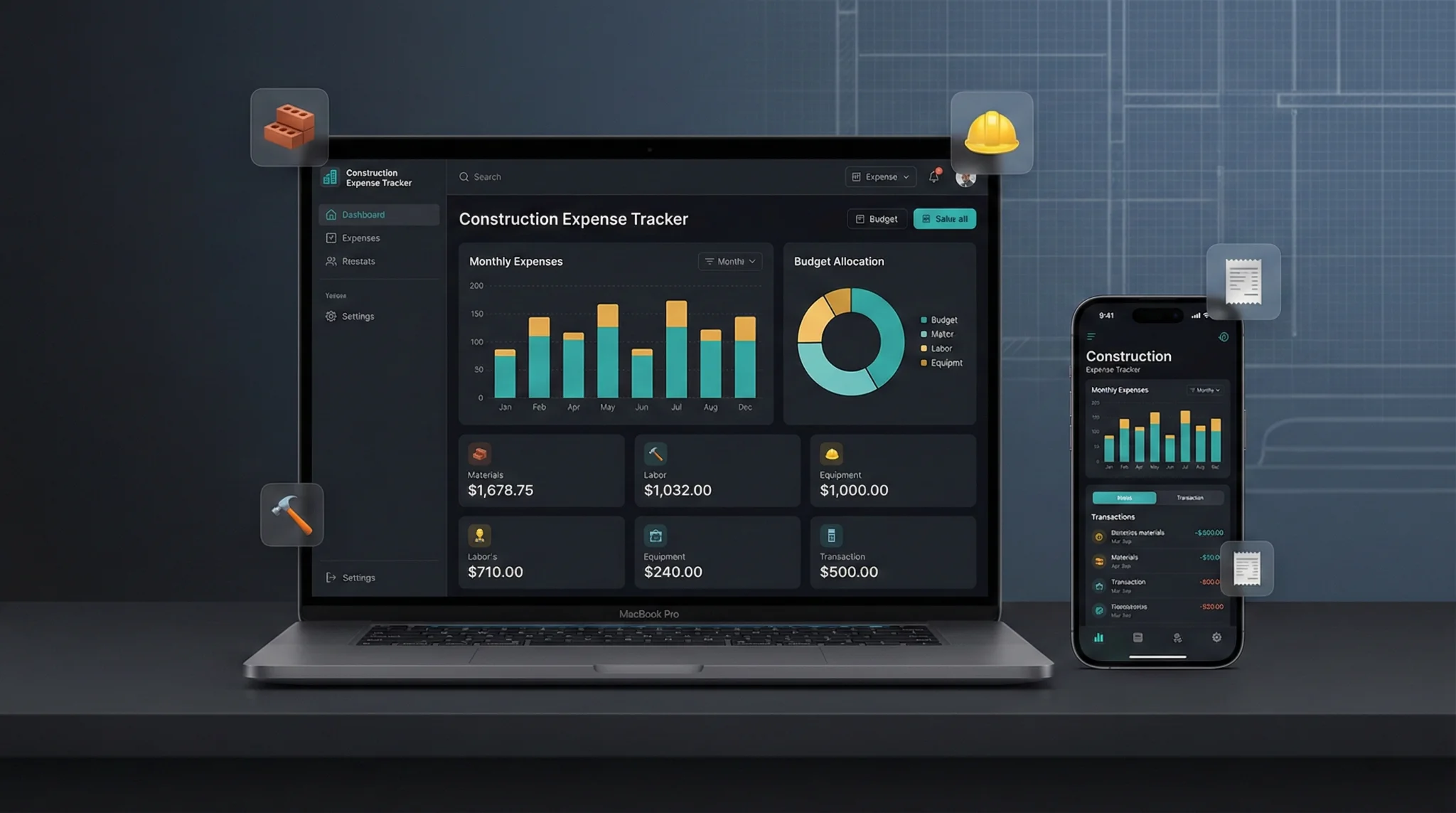
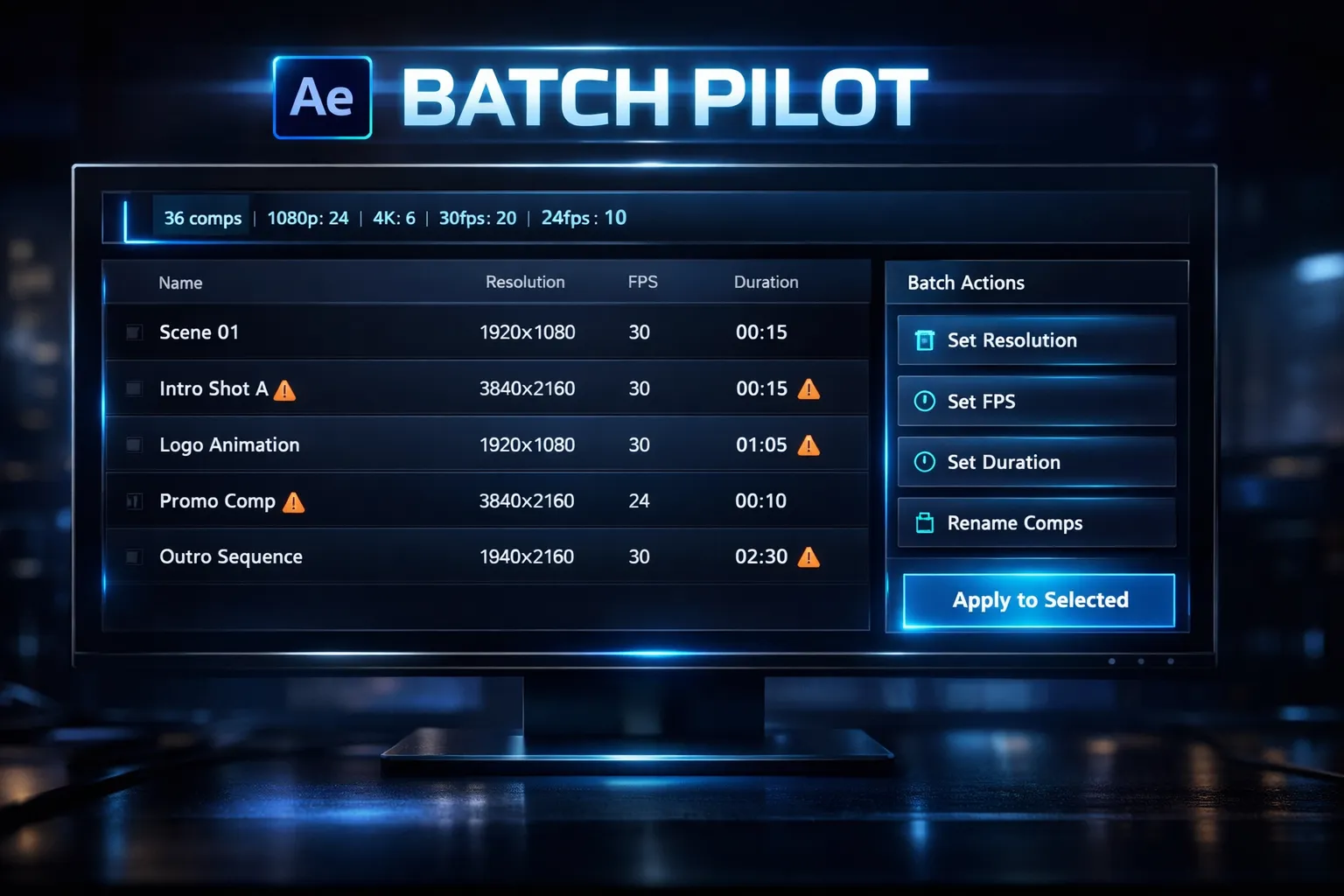
Batch Pilot
After Effects
$29Buy Now
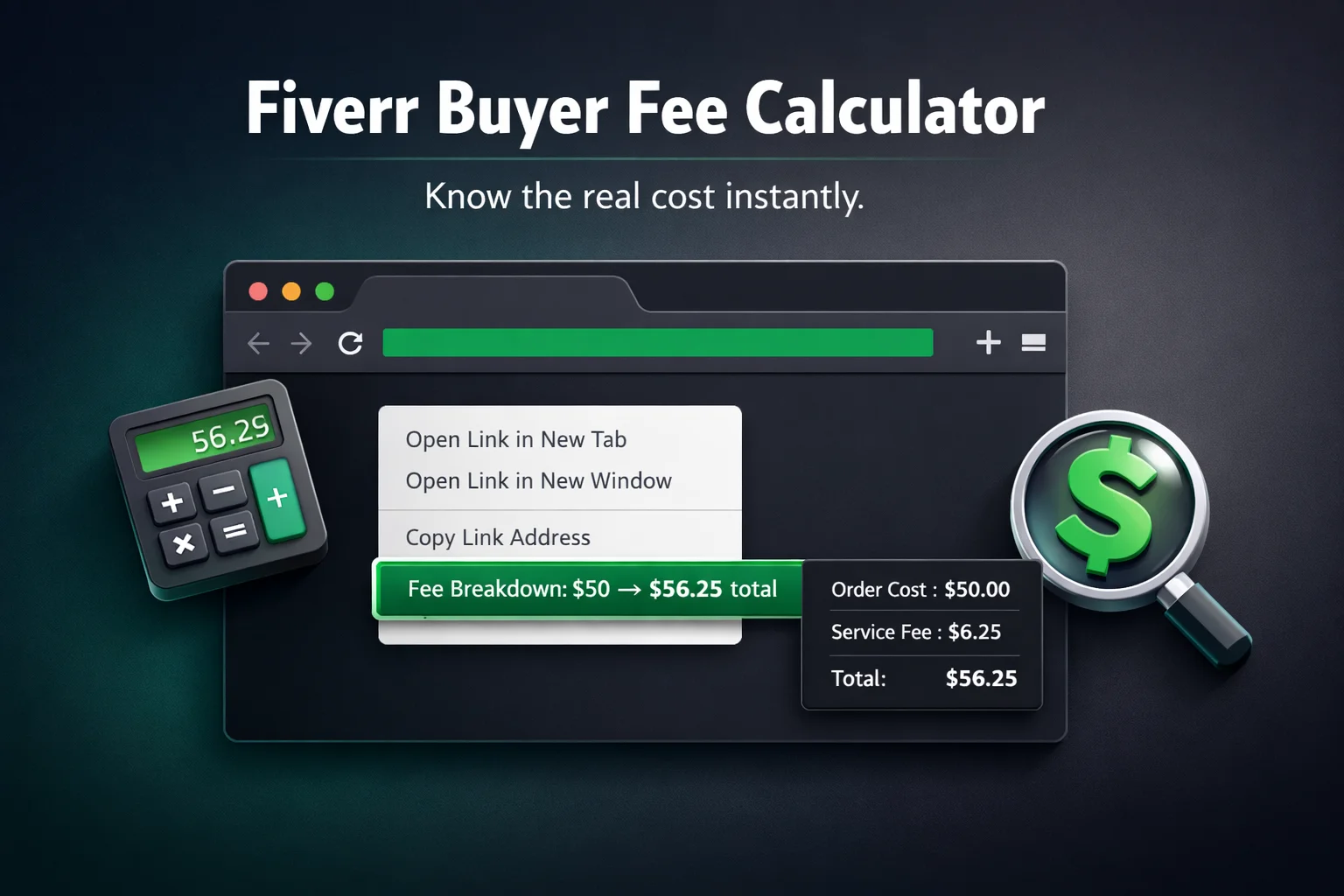
Fiverr Buyer Fee Calculator
Browser Extensions
$2.99Buy Now
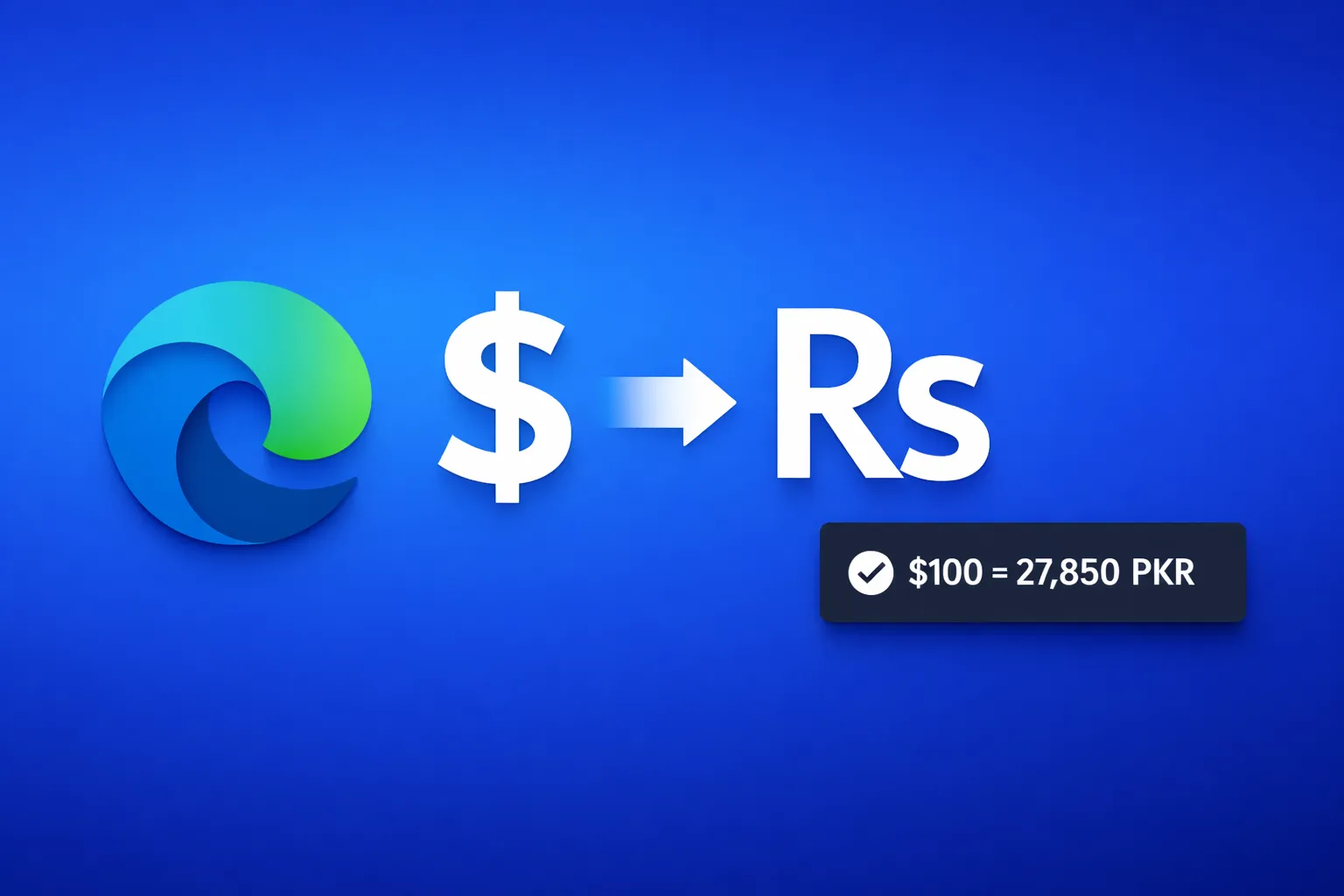
USD to PKR Converter - Edge Extension
Browser Extensions
$3Buy Now
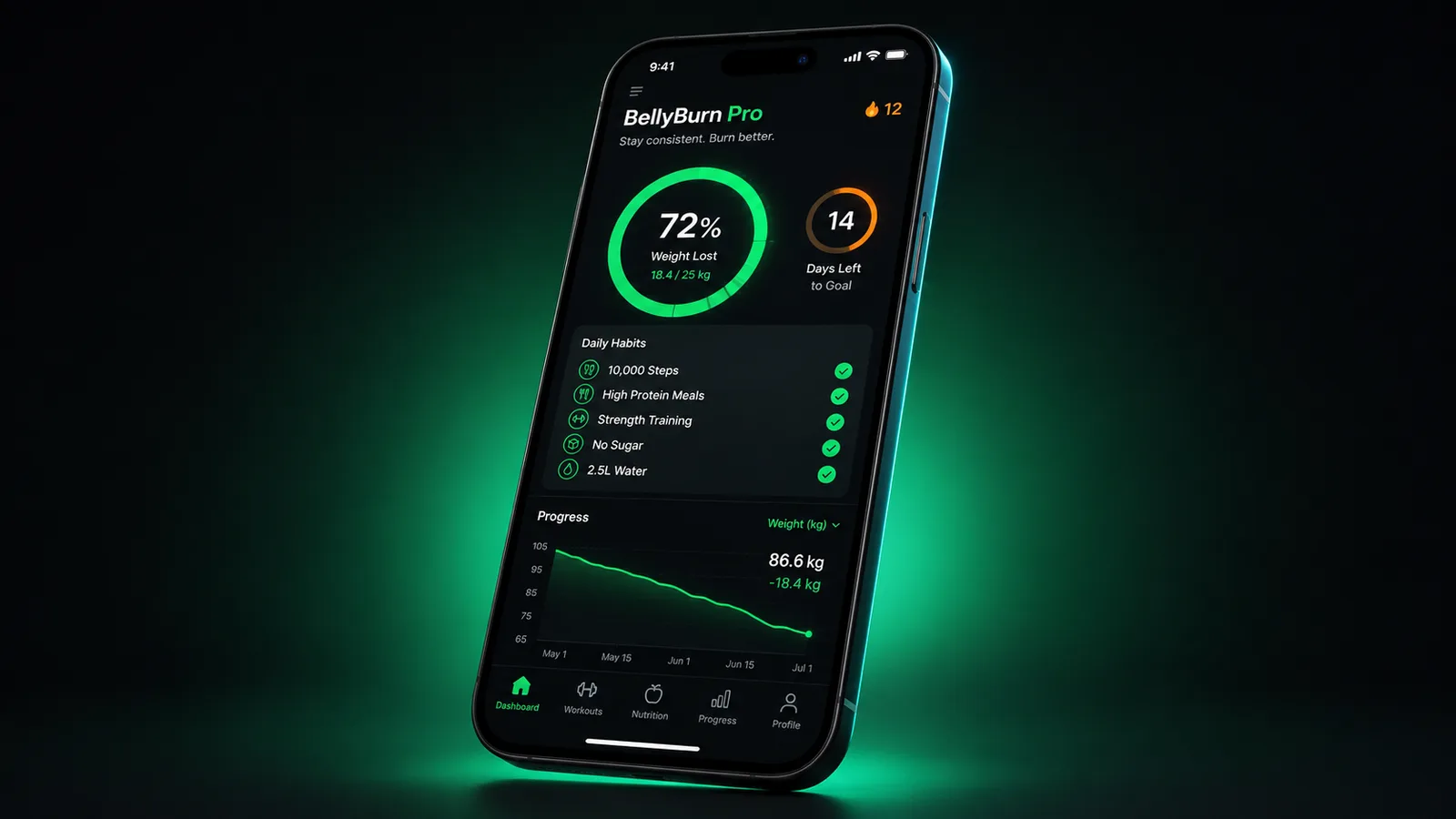
BellyBurn Pro — Belly-Fat Loss Tracker (PWA + Android)
Health & Fitness
$19Buy Now
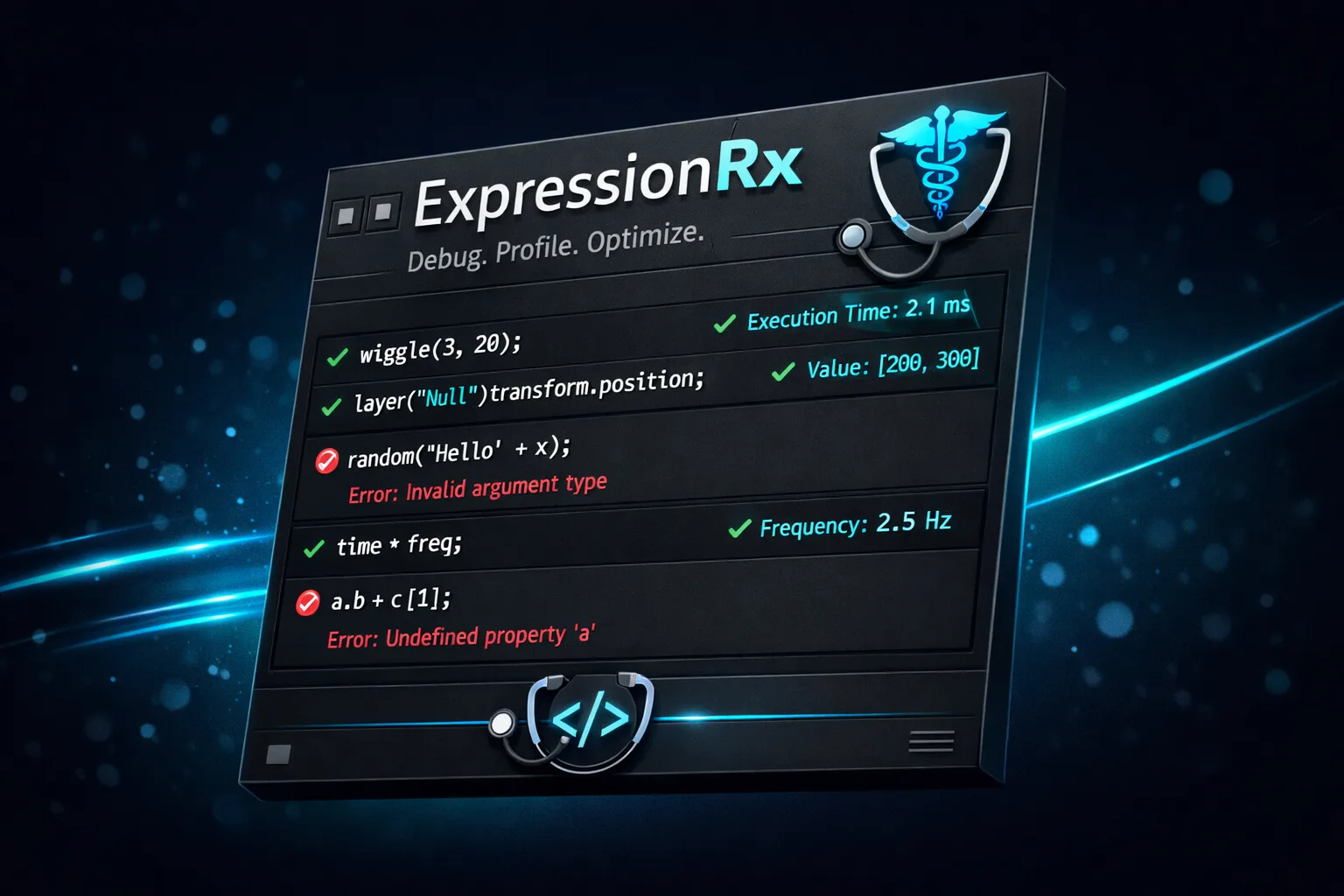

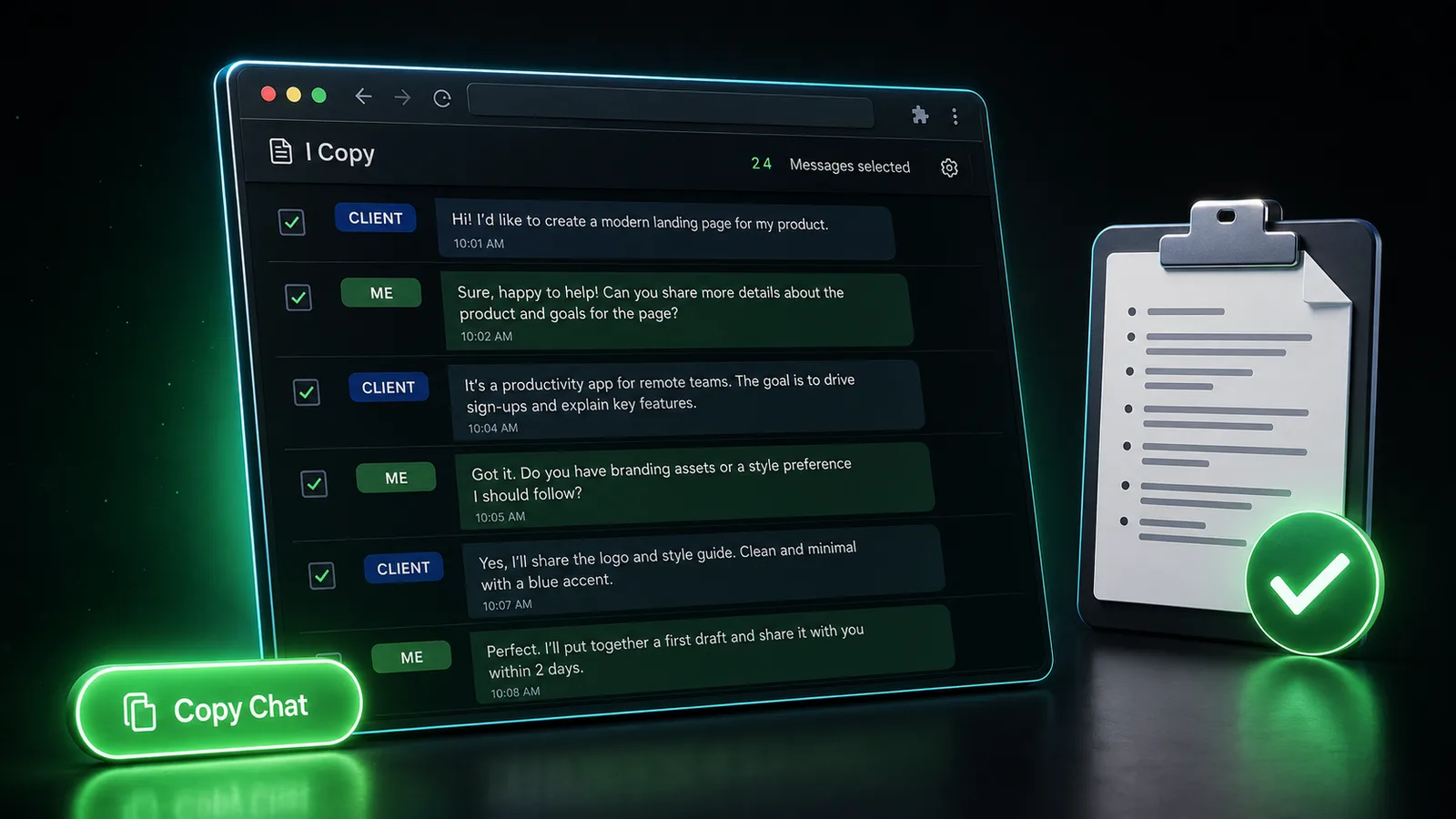
I Copy — One-Click Fiverr Inbox Copier (Browser Extension)
Browser Extensions
$9Buy Now
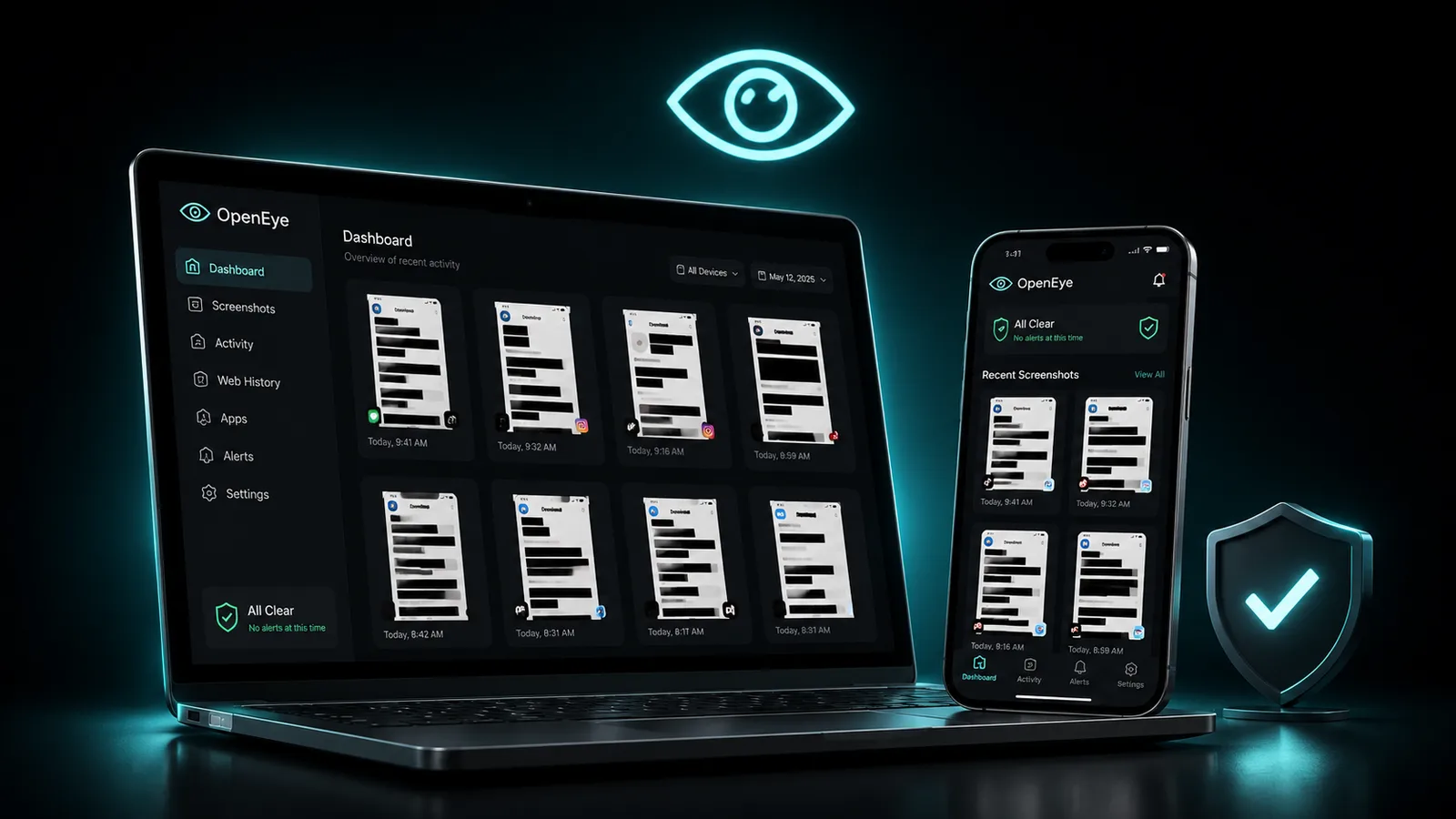
OpenEye — Self-Hosted Screenshot Accountability for Families
Family & Safety
$29Buy Now

Master the Workflow
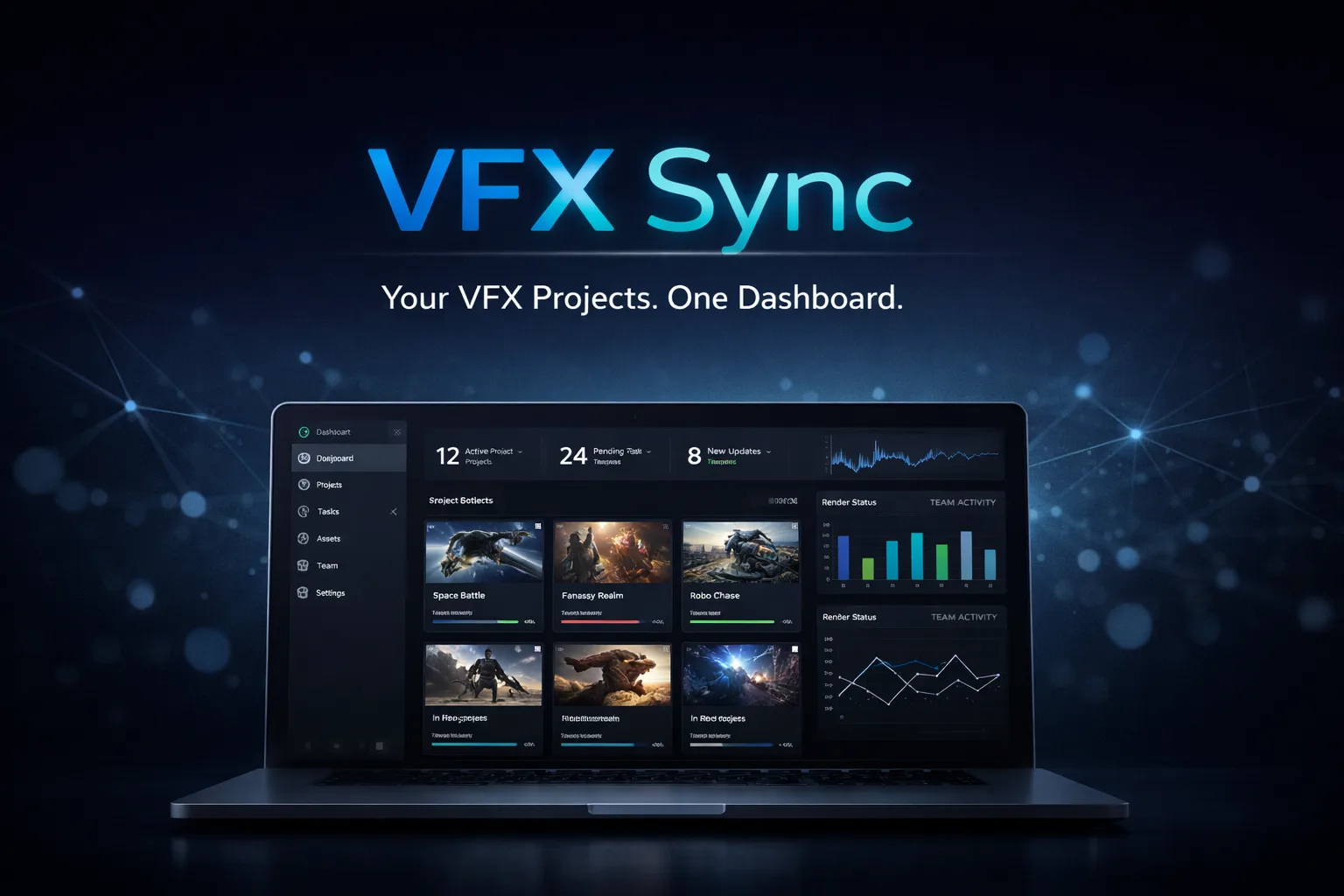
Learn the real production workflows behind 2,000+ delivered projects — compositing, cleanup, rotoscoping, and AI-assisted VFX in After Effects.